
MINE
BITCOIN
FROM YOUR DESK
Everything you need to understand solo Bitcoin mining — from first hash to block reward. Built in Miami. Backed by proof.

REAL BLOCKS. REAL PROOF. HAT-TRICK IN ONE WEEK.
WHAT IS BITCOIN MINING?
-

Transactions Broadcast
Bitcoin users broadcast transactions to the global network. Miners collect these into a candidate block — a batch of transactions waiting to be confirmed forever.
-

SHA-256 Hashing Begins
Your miner starts guessing a number called a nonce — over and over, trillions of times per second — passing each guess through the SHA-256 cryptographic function.
-

Target Threshold
A valid hash must fall below the network's current difficulty target — a number so precise it begins with many zeros. The network adjusts this every two weeks to maintain a 10-minute block time.
-

Block Found — Reward Claimed
The first miner to find a valid hash broadcasts it to the network. All other nodes verify it instantly. The winning miner receives 3.125 BTC plus all transaction fees in the block — directly to their wallet.


0000000000000000000298f4a2b9
e7c3d5f1a8e4b6c2d0e7f9a3b5c1d8e2f4a6
SOLO VS POOL MINING
THE BRICKELL SERIES
-
THE BRICKELL SERIES — Bitaxe Supra Hex 702
Regular price $0.00 USDRegular price -

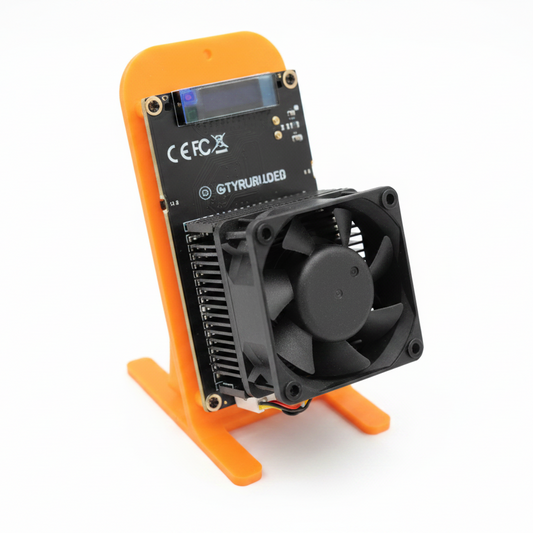 Sold out
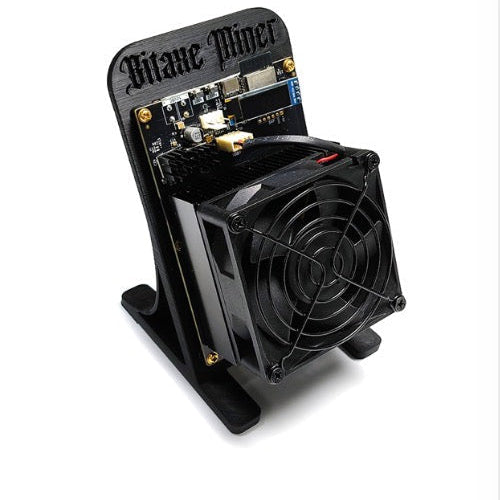
THE BRICKELL SERIES — Bitaxe GT 801
Regular price $0.00 USDRegular price -
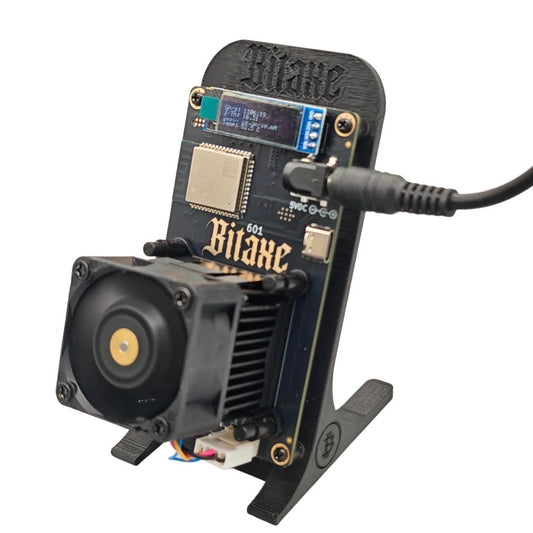
THE BRICKELL SERIES — Bitaxe Gamma 601
Regular price $0.00 USDRegular price



THE ODDS
~$300,000+ at current prices. Earned by the miner whose hash lands below the target first.
No sharing. No split. All yours.
SETUP IN 5 MINUTES
FIND YOUR MINER
FREQUENTLY ASKED
By accessing this website, purchasing any product, or engaging with Miami Bitcoin NerdMiner or 925Lab LLC in any capacity, you acknowledge that you have read, understood, and agreed to the disclaimers set forth herein. This disclaimer does not constitute legal advice. 925Lab LLC is a consumer electronics design and retail company. We are not financial advisors, investment professionals, or licensed money transmitters.
Learn More- Choosing a selection results in a full page refresh.
- Opens in a new window.